YOUR HOME. YOUR ICONS.
A button of your own.
Turn your artwork into a programmable Control4 Experience Button.
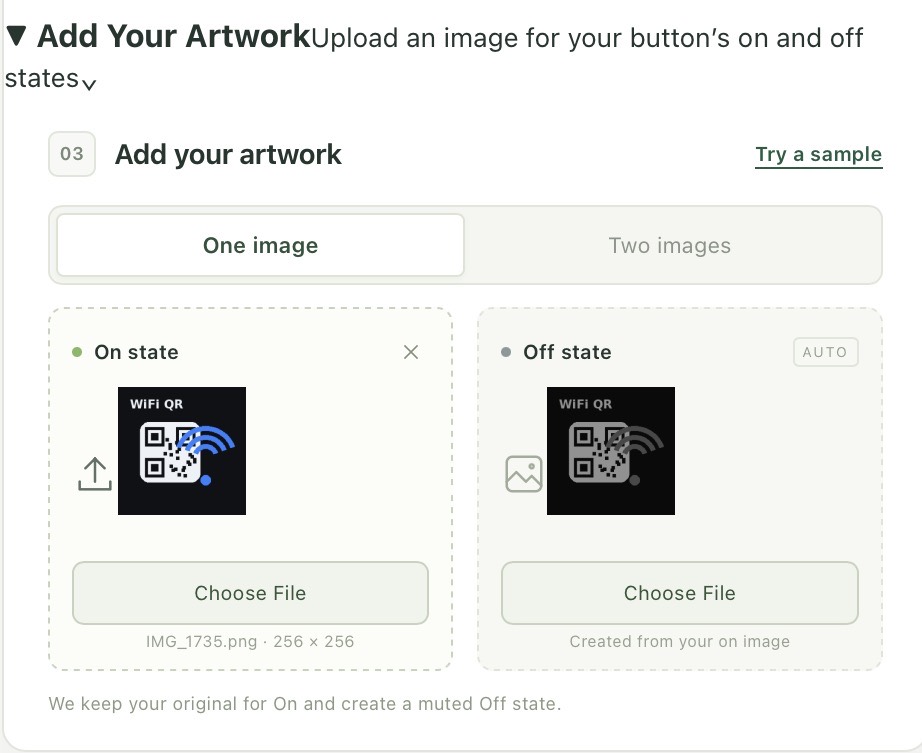
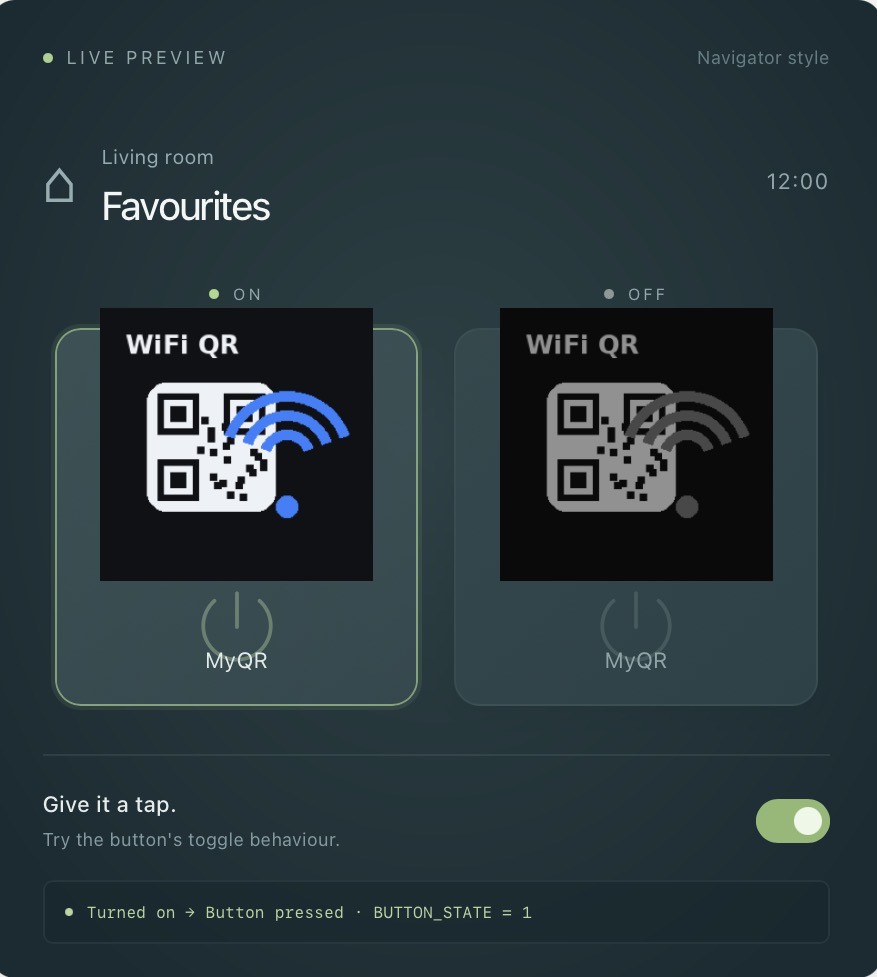
Create your own Control4 Experience Button by uploading your artwork, then pressing Download Control4 Driver. Button Studio creates a driver file you can install and use in Control4 programming.
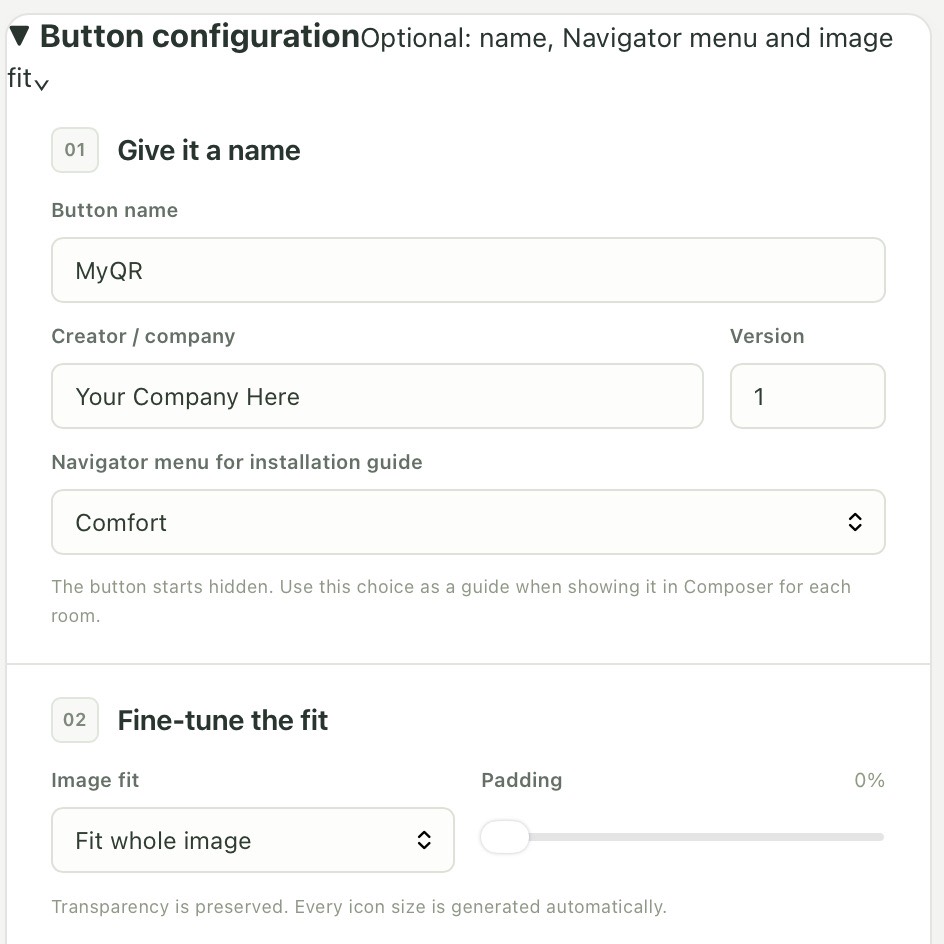
Simply expand Button configuration below and fill in the details. Then expand Add Your Artwork and select Choose File to upload an image. When you’re done, press Download Control4 Driver.
Button Studio is currently free to use. A small charge will be introduced in the future.
This site and its generated driver files are provided without warranties or guarantees. Completed drivers on the production hosted site are scanned with ClamAV before download, but no scan can guarantee detection of every threat. Scan downloaded files with your own antivirus software before installing them.